sellers.json Checker
Look up a seller ID in a dated snapshot of Google’s sellers.json and see its seller type, name and domain.
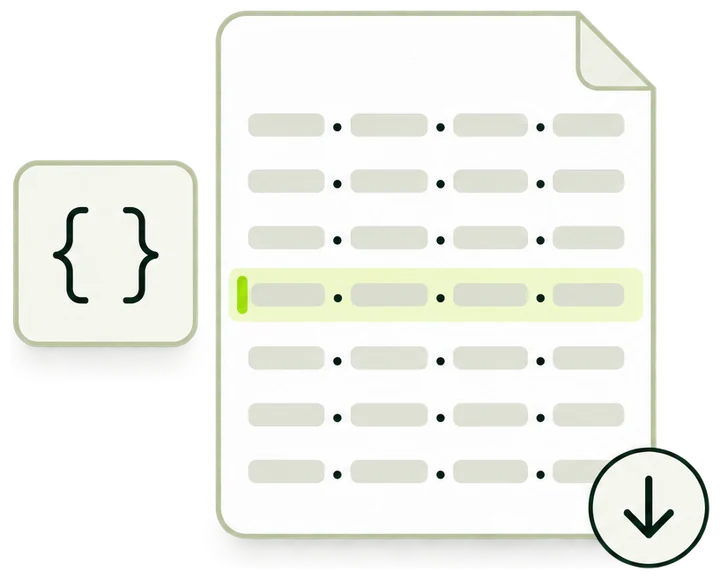
What a lookup returns
- Found The seller type and, unless the entry is confidential, the name and domain on record.
- Not in this snapshot The ID is missing from this version. It may be new, typed differently or removed.
- Snapshot details Each match or miss names the snapshot version and when its file was fetched.
How a lookup works
A Google sellers.json search here runs on a stored, dated snapshot of the file, so every match and every miss carries the date of the copy it came from.
-
Copy the seller ID
Take it from an ads.txt line or from your ad partner, such as pub-XXXXXXXXXXXXXXXX. Spaces at either end are removed.
-
We look it up
The ID is matched against every record in the current snapshot. Only an exact, character-for-character match counts.
-
Nothing is downloaded
The lookup reads the stored copy. The file itself is fetched on a weekly schedule, never when you submit.
-
You get the record
Seller type, name and domain as the file lists them, or Confidential, with the snapshot version and fetch time.
- Ad system covered: Google
- 1
- Fields in a result: ID, type, name, domain
- 4
- Between scheduled refreshes
- 7days
- Files downloaded when you look up an ID
- 0
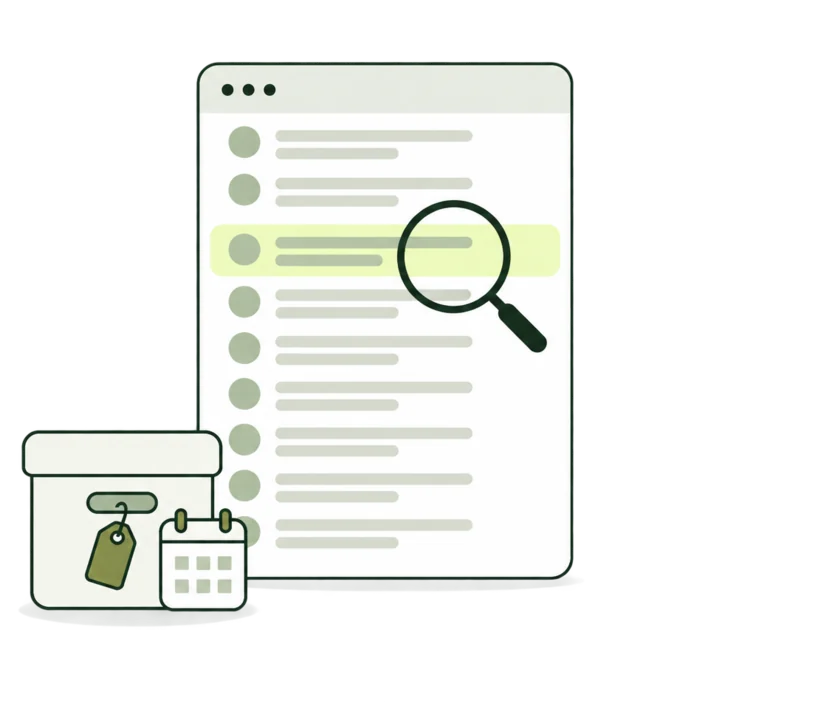
What each result shows
A listed seller comes back with the fields the file publishes for it. Every result also says which snapshot answered.
-
Seller type
PUBLISHER, INTERMEDIARY or BOTH, as the file states it. Shown for every listed seller, confidential or not.
seller_type -
Name
The business or person the ad system pays. Shown as Not listed when a public record leaves it empty.
name -
Domain
The seller’s business domain. It can differ from the sites that show the ads, and some public records leave it out.
domain -
Confidential
A record marked confidential keeps its name and domain out of the file. Both readouts then say Confidential.
is_confidential -
Snapshot and fetch time
Which stored copy answered, and when its file was downloaded, in UTC. Every match and every miss shows both.
-
Refresh warning
Appears when the newest download failed its checks and the previous complete snapshot answered instead.
Inside a sellers.json record
This is how seller records look in a sellers.json file, next to the ads.txt line that points at one of them. The lookup reads the numbered fields.
-
seller_id
The account’s ID in the ad system. Your entry has to match this text exactly, letter case and leading zeros included.
-
seller_type
PUBLISHER, INTERMEDIARY or BOTH. The result shows it for every listed seller, confidential or not.
-
name
The business or person the ad system pays. Public records carry it.
-
domain
The seller’s business domain. It can differ from the sites that carry the ads.
-
is_confidential
A confidential record carries no name or domain. The result shows Confidential for both and never fills the gap.
-
The ads.txt line
On the site, the same ID sits in the second field of the google.com line. Copy it from there.
Reading a result
A listed seller comes back in this layout: the outcome, the ID and snapshot, three readouts, then the record as the file holds it.
-
Outcome
Seller listed in the snapshot, Not in this snapshot, Check the seller ID or Snapshot unavailable.
-
Seller ID
The text that was looked up, after spaces at either end were removed.
-
Snapshot and Fetched
The version that answered and the UTC time its file was downloaded. Every match and every miss shows both.
-
Seller type
Copied from the record: PUBLISHER, INTERMEDIARY or BOTH.
-
Name and Domain
Copied from the record. Confidential for a confidential seller, and Not listed where a public record leaves the field empty.
-
Record in the snapshot
The same fields under their names in the file. Confidential sellers show no record rows.
-
Next step
A link to the ads.txt Generator to draft the matching line.
-
Source
The fixed file behind every snapshot. Account changes made after the fetch time appear after the next refresh.
Result states
A result opens with one of four titles. Two notes can appear with them, and each case has its own next step.
The snapshot and its date
Every answer comes from one complete stored copy of the file. These rules decide which copy answers, and the result shows its date.
- Source fileFixed
- The sellers.json file Google publishes at storage.googleapis.com/adx-rtb-dictionaries/sellers.json. Every snapshot comes from this one address.
- Weekly refreshScheduled
- A new copy is downloaded once a week. A lookup never starts a download, and a new copy goes live only once it is complete.
- Checks before use
- The download must be valid JSON of at most 256 MiB, with a sellers list, a text seller ID on every record, no repeated IDs and no stored record over 64 KB. A copy that fails is discarded.
- Snapshot version
- The letter v, the UTC date and time the copy was installed, and the first 12 characters of the file’s SHA-256 hash. Two versions that end in the same 12 characters hold the same file.
- Fetched
- The UTC time the refresh finished downloading the file. A change an ad system makes after it shows up after the next refresh.
- Previous snapshot
- If a refresh fails, the last complete snapshot keeps answering, and each result carries a warning that names it.
Each record is stored with five fields: seller ID, seller type, name, domain and the confidential flag. Name and domain are not kept at all for confidential records, and other fields in the file are dropped.
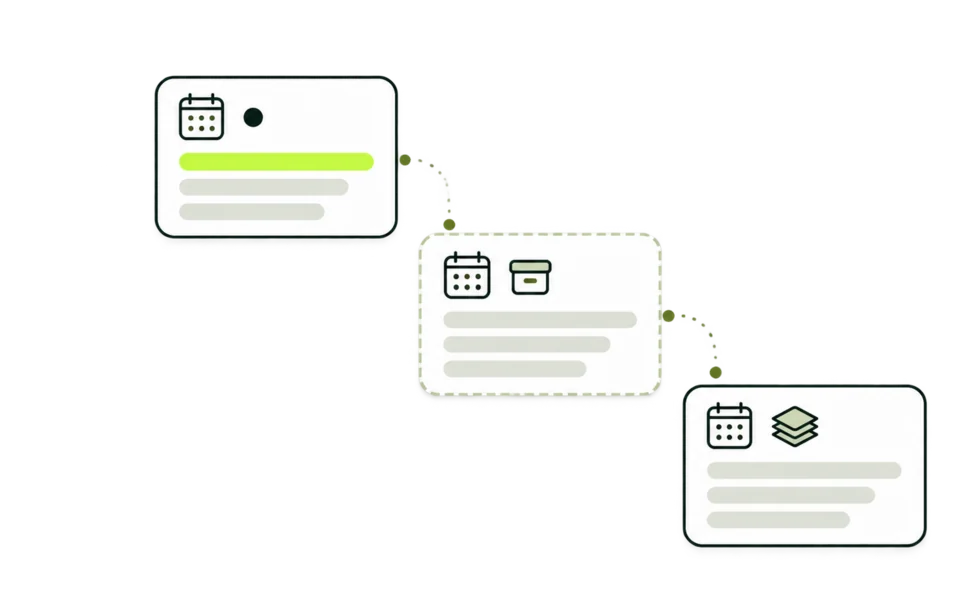
ads.txt and sellers.json together
The two files describe one sale from opposite ends. The site publishes ads.txt, and the ad system publishes sellers.json.
- ads.txtSite side
- A text file at the site’s root. Each line names an ad system, the account ID there, and DIRECT or RESELLER.
- sellers.jsonAd system side
- A JSON file at the ad system’s root listing the accounts it pays, with a seller type and, for public records, a name and a domain.
- The shared ID
- The account ID in an ads.txt line is the seller_id in that ad system’s sellers.json. For a google.com line, it is the ID to look up here.
- DIRECT and RESELLER
- DIRECT means the site controls the account and usually pairs with a PUBLISHER or BOTH record. RESELLER usually pairs with INTERMEDIARY or BOTH.
- Supply chain object
- Bid requests can list every seller that handled the impression, by seller ID. Buyers look those IDs up in each ad system’s sellers.json.
sellers.json is an IAB Tech Lab standard for programmatic supply chain transparency. Buyers read it next to ads.txt to see who is paid for an impression.
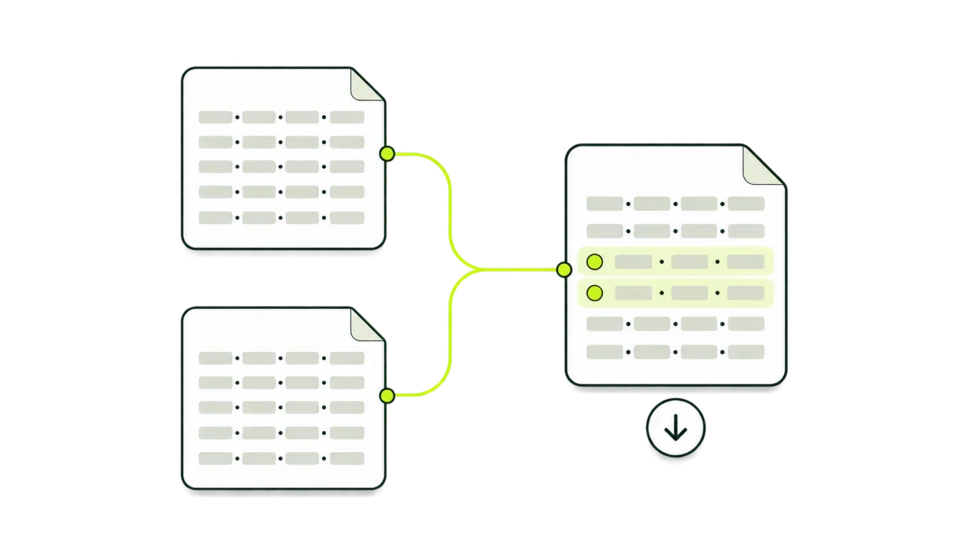
What to enter
One seller ID, copied as it appears. The lookup compares text, so what you paste is what gets matched.
Accepted
pub-XXXXXXXXXXXXXXXXA publisher ID as it appears in an ads.txt line.
pub-00XXXXXXXXXXXXXXLeading zeros stay part of the ID.
PUB-XXXXXXXXXXXXXXXXLetter case is kept, so PUB- and pub- are two different lookups.
Changed before the lookup
-
pub-XXXXXXXXXXXXXXXX␣becomespub-XXXXXXXXXXXXXXXXA space copied at either end is removed. Nothing inside the ID changes.
Not accepted
pub-XXXXXXXXXXXXXXXX, DIRECTA comma. Paste the ID alone, without the rest of the ads.txt line.
pub-XXXXXXXXXXXXXXXX↵pub-YYYYYYYYYYYYYYYYA line break or a tab. One ID per lookup.
Example lookups
Four lookups, four results. Each example uses a placeholder ID.
A public record
pub-XXXXXXXXXXXXXXXX
- You see
- Seller listed in the snapshot. Seller type PUBLISHER, with a name and example.com as the domain.
- What it means
- The account is in the snapshot with public details.
- Next
- Draft the matching google.com line in the ads.txt Generator.
A confidential record
pub-YYYYYYYYYYYYYYYY
- You see
- Seller listed in the snapshot. Name and Domain read Confidential, and there are no record rows.
- What it means
- The account is in the file, and its name and domain are private.
- Next
- Ask the account holder or your ad partner if you need the name.
Capital letters
PUB-XXXXXXXXXXXXXXXX
- You see
- Not in this snapshot, with the snapshot version and fetch time.
- What it means
- The lookup compares text exactly, so capital letters make a different ID.
- Next
- Copy the ID from your ads.txt line and look it up again.
A failed refresh
pub-XXXXXXXXXXXXXXXX
- You see
- Seller listed in the snapshot, with a warning that begins: Showing the last complete snapshot.
- What it means
- The newest download failed its checks, so the previous complete copy answered.
- Next
- Note the fetch time. Changes made after it are not reflected yet.
Checking your own listing
If you sell ads through a Google account, these checks keep your listing and your ads.txt telling the same story.
-
Copy the ID from its source
Take it from the second field of your google.com line in ads.txt. One wrong digit or a capital letter gives Not in this snapshot.
-
Check the seller type
A site selling its own inventory usually expects PUBLISHER. INTERMEDIARY belongs to accounts that sell for others.
-
Check the name buyers see
A public record shows the name and domain buyers read. Confidential means both are left out of the file.
-
Check the domain field
It should name your business. If it points somewhere unexpected, update your business details with the ad system.
-
Mind the fetch time
A change made after the fetch time appears after the next weekly refresh. Look the ID up again then.
-
Keep ads.txt in step
Your google.com line should carry the same ID, marked DIRECT for your own account. The ads.txt Generator drafts the line.
Questions this lookup leaves to other tools
A seller record answers who the ad system pays. These questions need another source.
sellers.json Checker and related tools
Four tools look at publisher IDs from different sides. Pick by the question you have.
| sellers.json Checker This tool | Reverse AdSense Lookup | AdSense Checker | ads.txt Generator | |
|---|---|---|---|---|
| Answers | Whether a seller ID is listed in a dated snapshot of Google’s sellers.json, and how | Which sites were recorded with a publisher ID | Which AdSense publisher IDs a homepage carries, and where each came from | What your ads.txt file should say |
| You enter | A seller ID | A domain or a pub- ID | A domain | Seller rows, or your current file |
| It reads | A stored snapshot, refreshed weekly | Our monthly index | The live homepage, with fallback records | Your input only |
| Result | Seller type, name and domain, with the snapshot version and date | Sites with estimated visits and data month | IDs with source, date and index match | A draft file to preview, copy or download |
Who looks up a seller
A single record answers a narrow question. These are the people who ask it most.
-
Publishers
Confirm your ID is listed and see the name and domain buyers read next to it.
-
Ad operations teams
Check the seller type of an ID before a google.com line goes into a client’s ads.txt.
-
Media buyers
Put a business name to a seller ID seen in a supply path, one seller ID lookup at a time.
-
Researchers
See whether an ID found on a page belongs to a public or a confidential record.
Terms used on this page
The words in the file, the result and the ads.txt line, in plain terms.
- sellers.json
- A public JSON file in which an ad system lists the accounts it pays for inventory.
- Seller ID
- The account’s ID in that ad system. In Google’s file it is written pub- followed by digits.
- Seller type
- PUBLISHER when the account sells inventory it owns, INTERMEDIARY when it sells for others, BOTH when it does either.
- Confidential record
- A record whose name and domain are left out of the public file.
- Business domain
- The domain given for the seller’s business. It need not be a site that shows ads.
- Snapshot
- A complete stored copy of the file, with a version name and a fetch time.
- ads.txt
- A file at a site’s root listing the ad system accounts allowed to sell its inventory.
- Supply chain object
- A list of sellers that travels with a bid request, one seller ID for each company that handled it.
Common questions
Do I need a sellers.json file on my own site?
Usually not. Ad systems and exchanges publish sellers.json to list the accounts they pay. A site publishes ads.txt instead, so a publisher sellers.json file matters only if you run your own ad system. Draft your ads.txt in the ads.txt Generator.
Can I check a sellers.json file from a URL?
Here you can check sellers.json for one ID without opening the full file. The checker reads its stored snapshot of Google’s file and downloads nothing when you submit. To read another ad system’s file, open /sellers.json on that ad system’s domain.
Why is my publisher ID not in this snapshot?
The lookup needs the exact text, so a missing digit, an extra character or a capital letter gives a miss. An account added after the fetch time appears after the next refresh. If the ID is right and older than the snapshot, ask your ad partner to confirm the listing.
Does Not in this snapshot mean the account was removed?
It means this stored copy holds no record with that exact text. The file carries no removal notices, so the lookup cannot tell a removed account from a mistyped or newer one.
Why do the name and domain say Confidential?
The record is marked confidential in the file and carries no name or domain. The result shows the ID and seller type and never guesses the rest. Whether a record is public is set on the ad system’s side.
How current is the snapshot?
A new copy is downloaded once a week. Every match and every miss shows the snapshot version and the UTC time the file was fetched. If a refresh fails, the previous complete copy keeps answering and the result says so.
Is a listed seller an approved AdSense account?
A listing shows the account is in the ad system’s file, which covers AdSense, AdMob and Ad Manager accounts. Approval, limits and payments live inside the account, and no public file shows them.
Why does the domain differ from the site I was checking?
The domain field is the seller’s business domain. One account can serve many sites, so the field need not match the site you checked.
Do lookups count toward a limit?
Lookups need no sign-in and read only the stored snapshot. They stay outside the fair-use limit that site checks share, and the form takes up to 60 lookups a minute.
Look up another seller
Paste a seller ID into the checker above. Each lookup reads the current snapshot.