AdSense Ban Checker
See whether a site’s public page loads for an outside request, and which AdSense signals come back.
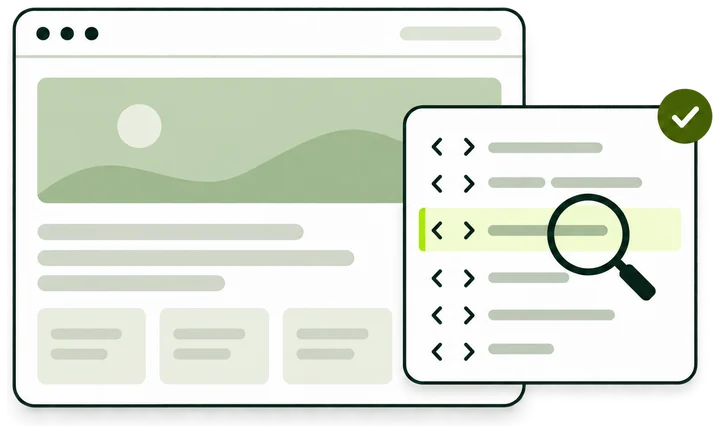
What the check returns
- Public access Whether the page loaded for our request, with its HTTP status.
- AdSense signals Ad code and pub- IDs in the HTML we fetched, or the older record they came from.
- ads.txt Not read on this page. A missing file is a readiness issue, not a ban signal.
How the check works
One request to the homepage, sent the way any outside visitor arrives, and three readings on what came back.
-
Enter a domain
Type the site name, such as example.com. A full URL works too; the check always reads the homepage of that host.
-
We request the homepage
PubMonitorBot asks for the page over HTTPS, follows redirects and waits up to 8 seconds for an answer.
-
We read the answer
The HTTP status of the final response, and any publisher ID in the first 512 KB of HTML.
-
You get a summary
One summary title, three readings and links to the tool that answers the next question.
- Page per check: the homepage
- 1
- Longest wait for the homepage
- 8s
- Of HTML searched for signals
- 512KB
- Readings: access, signals, ads.txt
- 3
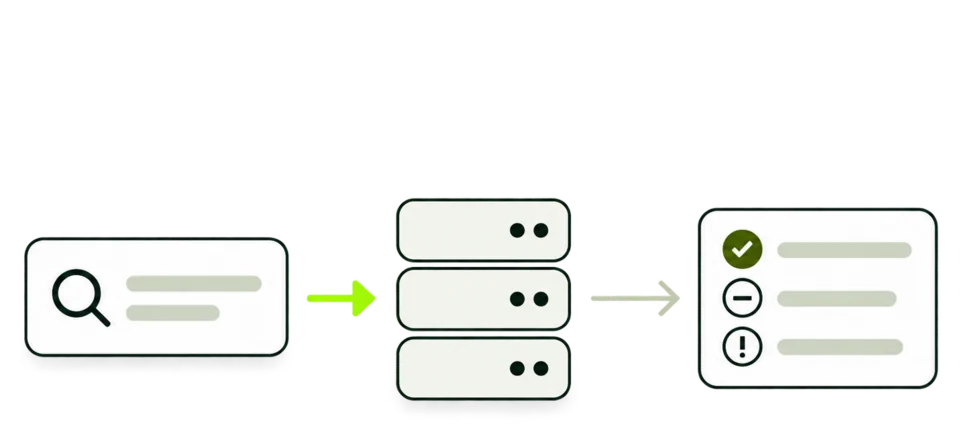
Access, ad code, and ads.txt are separate
Each reading answers its own question. A site can pass one and fail another, so read them one at a time.
-
Public access
Reached, Access problem or Could not check, with the HTTP status of the final response after redirects.
Reached · HTTP 200 -
Public AdSense signals
Whether the homepage HTML carried a publisher ID. Up to three IDs are named, with the total when there are more.
Publisher IDs: pub-… -
ads.txt
Always Not checked on this page. The file is never requested here, so its lines play no part in the summary.
-
Summary
No obvious public ban signal detected, Public access problem found, or Unable to verify from public signals.
-
Qualifier and scope
Every result names what was checked, the public homepage, and what was not: the AdSense account, Policy Center, payment holds, sandbox and ad-blocker extensions.
-
Next steps
Links to the AdSense Checker for every ID and its source, and Look up related sites for up to three IDs.
How a response becomes a summary
The summary follows from the status code of one request and from what the homepage HTML held. This is the whole rule set.
-
One request
A GET for the homepage over HTTPS, sent as PubMonitorBot. Redirects are followed, the answer has 8 seconds to arrive, and the first 512 KB of HTML is read.
-
A page came back
Any 2xx answer after redirects counts as Reached. An ID in the HTML changes the signals reading, and the summary stays the same.
-
Refused or failed
401, 403, 404, 410 and 451, and every 5xx status, give Public access problem found. The words describe this one request.
-
Nothing to judge
A timeout, a name that does not resolve, or another status such as 400 or 429 leaves no reading to judge.
-
Older records
When the homepage gives no page, a third-party record and then a web archive are tried. An ID found there reads Not confirmed by a current-page check, and Public access reads Could not check unless a refusal code came back.
-
Not a domain
IP addresses, names without a dot, reserved endings such as .local, and pub- IDs are turned away before the check starts. No request goes to any site.
Reading a result
Every check that reaches a domain ends in the same layout: the summary, a qualifier, three readings, the scope line and the next steps.
-
Summary
One of three titles for a domain that was checked. Invalid input replaces the whole layout when the entry was not a public domain.
-
Checked
The host we requested, after the scheme, www, path and port were removed.
-
Qualifier
A fixed line on every checked domain. It marks the check as a public request with no account data behind it.
-
Public access
Reached, Access problem or Could not check, with the HTTP status, or Not available when no status came back.
-
Public AdSense signals
Detected in fetched HTML, Not detected in this fetch, Not confirmed by a current-page check, or Could not determine. The IDs follow, with the source when an older record supplied them.
-
ads.txt
Always Not checked on this page, with a note that sends the file to the AdSense Approval Checker.
-
Scope
What this request covered, and the account-side places it cannot reach.
-
Next
Open AdSense Checker for every ID and its source, the Approval Checker when it is available, and Look up related sites for each ID named.
Result states
The summary title uses one of these names. Each has its own next step.
Where the readings come from
Two readings come from the live homepage. Older records step in only when the homepage gives no page.
- HTTP statusPublic access
- The status of the final response after redirects. It decides between Reached, Access problem and Could not check.
- Current page HTMLTried first
- The first 512 KB of the homepage, searched for publisher IDs written as ca-pub- or pub- followed by digits.
- Third-party recordFallback
- A public site-information profile that lists an AdSense ID for the domain. It carries no date of its own.
- Historical archiveFallback
- The most recent copy of the homepage in a public web archive. The signals reading names it as the source.
- ads.txtNot requested
- This page never requests the file, so a missing or outdated ads.txt cannot change the summary.
When the homepage loads, its answer stands. A page that carries no ID is reported as it is today, whatever an older record says.
What can change a result
A check reflects one request at one moment. These changes on a site can turn one summary into another.
- Firewall and bot rules
- Rules that challenge or block cloud traffic can answer our request with 403 while visitors still see the page.
- Challenge pages
- A verification page served with status 200 reads as Reached, with no ID in its HTML.
- Rate limits
- A 429 answer is a status this check does not judge. The summary is Unable to verify from public signals unless an older record lists an ID.
- Country and network rules
- Sites that block some regions or networks can refuse a request from ours.
- Maintenance and outages
- A 503 during maintenance gives Public access problem found until the site is back.
- Redirects
- The page where the redirects end is the one judged. A domain that forwards elsewhere is read through its destination.
- Code changes
- Adding or removing AdSense code changes the signals reading on the next check.
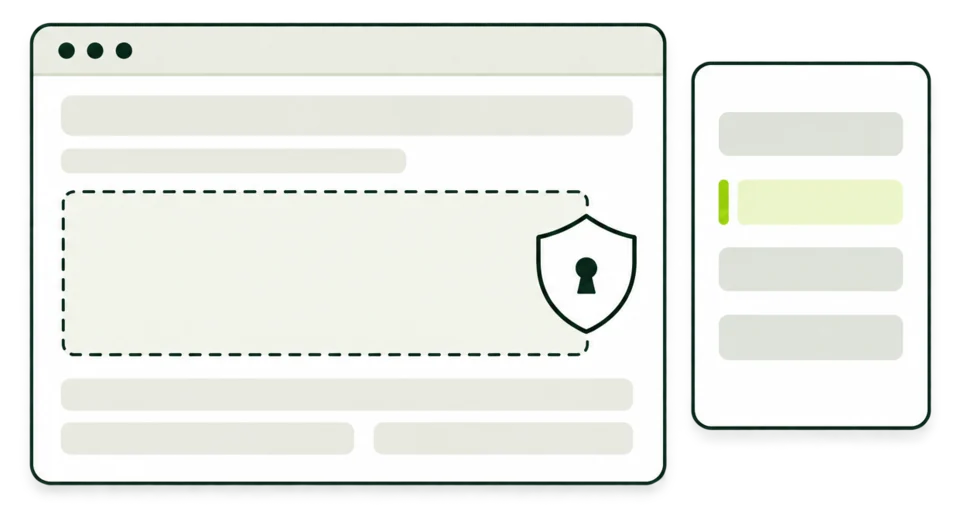
What to enter
A domain is enough. Anything after the host name is dropped, so the check always reads the homepage.
Accepted
example.comA bare domain.
blog.example.comA subdomain is checked as its own site.
https://example.comA URL with or without https://.
Changed before the check
-
https://www.example.com/post?id=7becomesexample.comScheme, www, path and query are removed.
-
Example.COMbecomesexample.comLetters are lowercased.
-
example.com:8080becomesexample.comThe port is dropped.
Not accepted
localhostA name without a dot is not a public site.
192.0.2.10IP addresses are not checked.
intranet.localReserved endings such as .local, .test and .internal are not checked.
pub-XXXXXXXXXXXXXXXXPublisher IDs return Invalid input, with a link to Reverse AdSense Lookup.
Example checks
Illustrative examples on placeholder domains. The same check can end in any of these four answers.
Page loads with AdSense code
example.com
- You see
- No obvious public ban signal detected. Public access: Reached, HTTP 200. Public AdSense signals: Detected in fetched HTML.
- What it means
- The homepage answered our request and carried a publisher ID at that moment.
- Next
- Open the AdSense Checker to see each ID with its source and index match.
Page loads without code
example.org
- You see
- No obvious public ban signal detected. Public AdSense signals: Not detected in this fetch.
- What it means
- The page loaded with no ID in its first HTML. A tag manager, a consent tool or a removed ad setup can each explain that.
- Next
- Paste the rendered source into the Publisher ID Finder to look for tags added after load.
Server refuses the request
blog.example.com
- You see
- Public access problem found. Public access: Access problem, HTTP 403.
- What it means
- The server refused this request. A firewall rule for cloud traffic can do that while the page still opens in your browser.
- Next
- Open the page from another network and look for PubMonitorBot in the firewall log.
No answer in time
example.net
- You see
- Unable to verify from public signals. Public access: Could not check, Not available.
- What it means
- No status came back within 8 seconds, and no older record held an ID.
- Next
- Try again later. A server that times out for outside requests is worth fixing first.
When your own site shows a problem
If you run the site, work through these in order. Each one is public and fixable on your side.
-
The homepage answers outside requests
Open it over a phone network or another connection. A 403 that appears only for outside requests points to a firewall or bot rule.
-
PubMonitorBot gets through
Look for PubMonitorBot in the firewall or server log at the time of the check, and see which rule answered it.
-
The server stays up
Repeated 5xx answers mean the server or the CDN is failing. Fix that before you judge anything else.
-
The ad code is in the homepage template
The check reads the homepage. Code placed only on inner templates stays out of the signals reading.
-
ads.txt sits at the site root
Open example.com/ads.txt in a browser. The AdSense Approval Checker reads it as part of its review.
-
Account notices are read in the account
Policy notices, payment holds and traffic reviews appear only in your AdSense account.
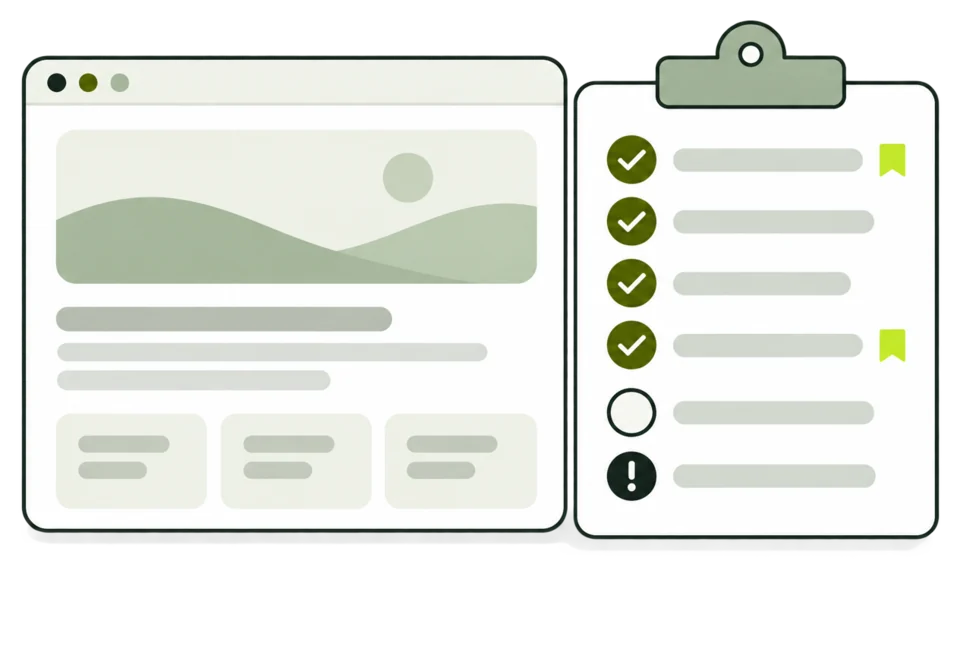
What this page cannot decide
A public request answers access questions well. Account questions need the account.
AdSense Ban Checker and related tools
Each tool reads a different part of a site. Pick by the question you have.
| AdSense Ban Checker This tool | AdSense Checker | Publisher ID Finder | AdSense Approval Checker | |
|---|---|---|---|---|
| Answers | Whether the homepage answers a public request, and which signals come back | Which publisher IDs the homepage carries, and where each came from | Which IDs appear on a page or in text you paste | What to fix on a site before applying to AdSense |
| You enter | A domain | A domain | A domain, or pasted HTML or ads.txt text | Your site’s URL |
| It reads | The homepage response | The live homepage, with fallback records | The homepage, or your text in this browser | Homepage, robots.txt, ads.txt, sitemap, trust pages and sample articles |
| Result | A summary, three readings and next steps | IDs with source, date and index match | Each ID once, with format label and surrounding text | A list of requirements with what to fix first |
Who uses this check
It fits the moment ads stop showing, or a site is about to change hands, and the first question is whether the site answers at all.
-
Site owners
See whether the homepage still answers outside requests after a hosting move or a new firewall rule.
-
Domain buyers
Check how a listed site answers before you ask the seller about its ad history.
-
Ad operations teams
Rule out an access problem on a property before digging into account reports.
-
Agencies and support
Get a first public reading when a client says ads stopped showing.
Terms used in the result
The words on the workbench, in the order they appear.
- Public access
- Whether our request reached a page, and the HTTP status that came back.
- HTTP status
- The three-digit code a server sends with its answer. 2xx means a page came back; 4xx and 5xx mean it did not.
- Access problem
- A 401, 403, 404, 410 or 451 answer, or any 5xx. It describes one request.
- Public AdSense signals
- Publisher IDs found in the homepage HTML, or in an older record when the homepage could not be read.
- Publisher ID
- The number that identifies an AdSense account, written pub- followed by 16 digits.
- PubMonitorBot
- The name our request carries. Server logs show it as Mozilla/5.0 (compatible; PubMonitorBot/1.0).
- Fallback record
- A third-party profile or an archived copy, tried only when the homepage gives no page.
- Scope line
- The line under the readings that lists what was checked and what was left to the account.
Common questions
Can this check tell me whether a domain is banned from AdSense?
It reports how the homepage answers a public request and which publisher IDs its HTML carries. Google publishes no list of banned domains. Account actions show only inside the publisher’s AdSense account.
What does No obvious public ban signal detected mean?
The homepage answered our request and nothing in that answer pointed to an access problem. The title describes this request. Account standing is visible in the AdSense account.
Is a blocked page the same as a restricted account?
Public access problem found describes one request from our servers. A firewall rule, a missing homepage or a server fault can each cause it. Account restrictions are set and shown inside AdSense.
What if the page has no AdSense code but ads.txt still lists the account?
Those are two observations. They do not prove a setup fault or a ban. Check which template should carry the code, and whether a tag manager or a consent tool adds it after load.
Why is ads.txt always Not checked on this page?
This check requests the homepage only. The ads.txt reading is a fixed note, so the file never moves the summary. The AdSense Approval Checker reads the file and checks its authorization line.
Does the check test ad blockers or how ads look?
It reads the HTML our server receives and runs no scripts. Ad blockers, consent choices and ad rendering happen in each visitor’s browser.
Why does my site show an access problem when it opens fine for me?
Firewalls, bot protection and country rules can treat a request from a cloud network differently from your browser. Look for PubMonitorBot in your logs. The PubMonitorBot page explains how our requests identify themselves.
Can I check a publisher ID here?
A pub- ID returns Invalid input with a link to Reverse AdSense Lookup, which lists the sites recorded with that ID. To find the IDs on a page, use the Publisher ID Finder.
Does a detected ID mean the site is approved?
A detected ID shows that the code is on the page. Approval and account status are decided inside AdSense.
Is there a limit on how many sites I can check?
Each new domain counts toward a rolling fair-use limit, and repeat checks of the same domain do not. Signing in gives a separate budget, and paid plans raise the limit.
Check another site
Enter a domain in the checker above. The check sends one request to the homepage.