AdSense Checker
See which AdSense publisher IDs a website’s homepage carries, and where each one was found.
What the check returns
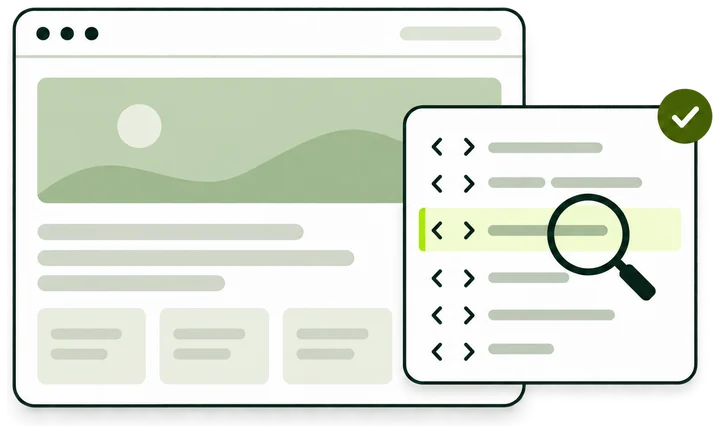
- Current page Publisher IDs in the homepage HTML we fetch when you run the check.
- Older records If the homepage cannot be read: an archived copy with its date, or a third-party record.
- Inconclusive The fetch failed or was blocked, so the result says neither yes nor no.
How the check works
One request to the homepage, one pass over the HTML that comes back, and a source label on every publisher ID in the result.
-
Enter a domain
Type the site name, such as example.com. A full URL works too: the check reads the homepage of that host.
-
We request the homepage
PubMonitorBot asks for the page over HTTPS, follows redirects and waits up to 8 seconds for an answer.
-
We scan the HTML
The first 512 KB of the response is searched for AdSense publisher IDs written as ca-pub- or pub- followed by digits.
-
You get the evidence
Every ID comes with its source, a date where the source has one, and whether it appears in our monthly index.
- Page per check: the homepage
- 1
- Longest wait for a response
- 8s
- Of HTML read per page
- 512KB
- IDs listed, with the total when there are more
- 10

What the check reads
The scan picks up every ca-pub- or pub- ID written in the HTML. On most sites the ID sits in one of the first three places below.
-
Ad script client
The AdSense loader script names the publisher in its client parameter.
adsbygoogle.js?client=ca-pub-… -
Ad slot attribute
Each ad unit on the page repeats the ID in its data-ad-client attribute.
<ins class="adsbygoogle" data-ad-client="ca-pub-…"> -
Inline settings
Older and hand-built setups declare the ID in a script block.
google_ad_client: "ca-pub-…" -
IDs in page text
An ID quoted in an article, a comment or a link is picked up too. The source label says the ID came from the page, not where on the page.
-
Response status
The HTTP status of the final response after redirects appears next to the checked domain.
-
Index match
Each ID is looked up in our monthly index of sites seen with an AdSense publisher ID.
Where the ID sits in AdSense code
This is standard AdSense code as it appears in a page's source. The check finds the publisher ID in any of the marked spots.
-
Loader script
Loads AdSense on the page. Its client parameter holds the publisher ID with a ca- prefix. Auto ads need only this tag.
-
Ad unit
Marks where one ad renders. data-ad-client repeats the ID. data-ad-slot names the unit and is a different number.
-
Fill request
Asks AdSense to fill the unit above it. It carries no ID, so the check does not depend on it.
-
Two spellings, one ID
ca-pub- in page code and pub- in ads.txt name the same account. Results always use the pub- form.
Reading a result
Every AdSense check ends in the same layout: the outcome, three readouts, then each ID with the evidence behind it.
-
Outcome
One line names the result: signals detected, older evidence found, no signal in the fetched page, or check inconclusive.
-
Checked domain and status
The host we requested after cleanup, and the HTTP status of the final response.
-
IDs found
How many distinct publisher IDs the page carried. Past ten, the list is shortened and the total is shown.
-
Live page
Whether the IDs came from the HTML fetched for this check. Detected in fetched HTML means the code was there at that moment.
-
Evidence source
Current page HTML, a third-party record or a historical archive. An archived copy shows its capture date.
-
Index match
In our index, not in our index, or unknown when the index could not be reached during the check.
-
Next step
Links to Reverse AdSense Lookup for an ID and to the traffic estimate for the domain.
Result states
The outcome line uses one of these names. Each state has a different next step.
Live page, archive and third-party records
The live homepage is always tried first. Older sources are used only when the homepage cannot be read.
- Current page HTMLTried first
- Read from the response to this check. It is the only source that shows what the site carries today.
- Third-party recordFallback
- A public site-information profile that lists AdSense IDs for the domain. It carries no date of its own and can be out of date.
- Historical archiveFallback
- The most recent copy of the homepage in a public web archive. The result shows its capture date, which can be months or years old.
When the homepage loads and carries no ID, that answer stands. Older records are never used to fill the gap, so a site that removed AdSense is not reported as running it.
What can change a result
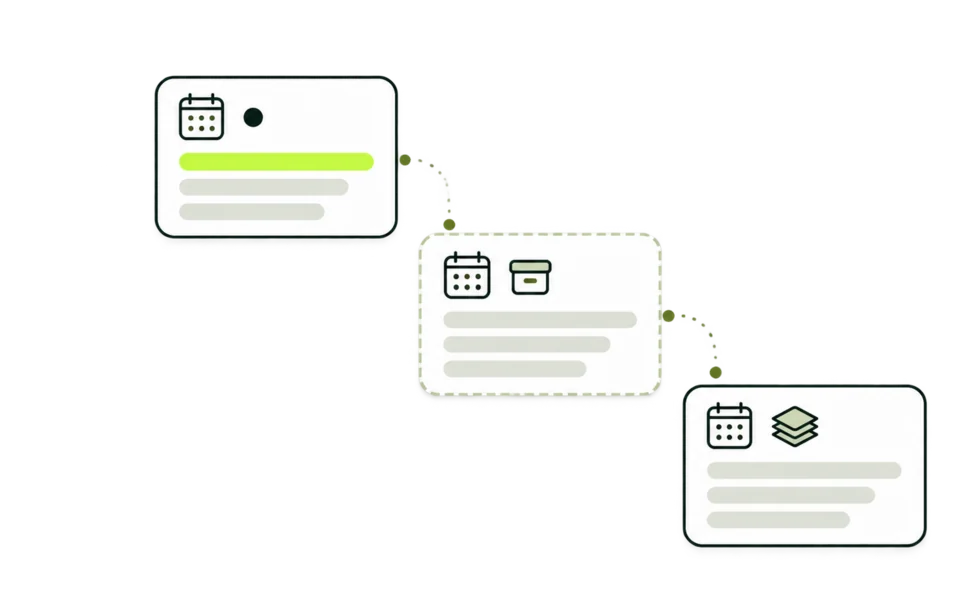
A check reflects one moment. These changes on a site can turn one result into another between two checks.
- Redirects
- The check follows redirects. If the domain forwards to another site, the IDs come from the page where the request lands.
- Code changes
- Adding or removing the loader script, or switching to another account, shows up on the next check.
- Caching
- A CDN or page cache can keep serving an older copy of the homepage for minutes or hours after an edit.
- Bot filters
- A new firewall rule or rate limit can turn a readable homepage into an inconclusive check.
- Archive age
- When the live page fails, the archived copy may predate the latest change. Its capture date tells you how old it is.
What to enter
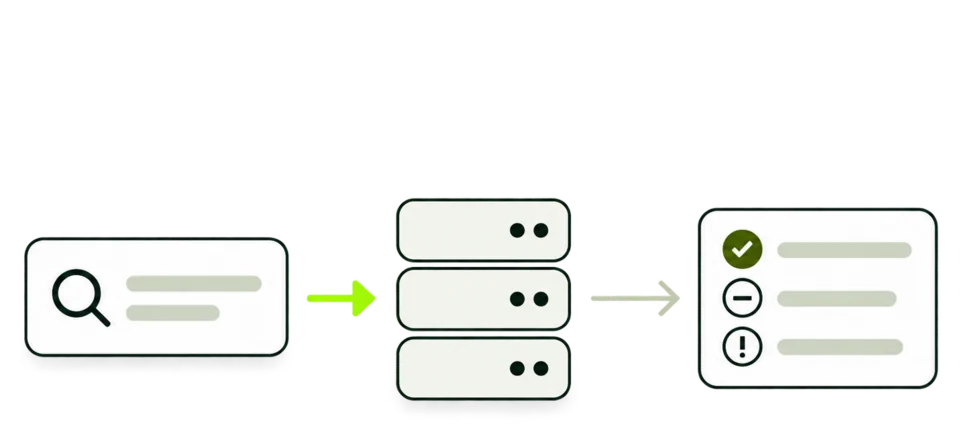
A domain is enough. Anything after the host name is dropped, so the check always reads the homepage.
Accepted
example.comA bare domain.
blog.example.comA subdomain is checked as its own site.
https://example.comA URL with or without https://.
Changed before the check
-
https://www.example.com/post?id=7becomesexample.comScheme, www, path and query are removed.
-
Example.COMbecomesexample.comLetters are lowercased.
-
example.com:8080becomesexample.comPort numbers are dropped. Names in other scripts are converted to their ASCII form.
Not accepted
localhostA name without a dot is not a public site.
192.0.2.10IP addresses are not checked.
intranet.localReserved endings such as .local, .test and .internal are not checked.
pub-XXXXXXXXXXXXXXXXPublisher IDs belong in Reverse AdSense Lookup.
Example checks
The same question can end in four different results. Each example uses a placeholder domain.
ID on the live page
example.com
- You see
- Public signals detected. Live page: Detected in fetched HTML. Evidence source: Current page HTML.
- What it means
- The homepage carried AdSense code at the moment of the check.
- Next
- Open the ID in Reverse AdSense Lookup to see other sites recorded with it.
ID only in an archived copy
example.org
- You see
- Historical evidence found, with the capture date. Live page: Not confirmed by a current-page check.
- What it means
- The homepage could not be read today. The site carried this ID on the capture date.
- Next
- Run the check again later. If the homepage keeps failing, look at how it answers in the AdSense Ban Checker.
No ID in the HTML
blog.example.com
- You see
- No signal found in the fetched page. The IDs readout shows 0 because the page was read in full.
- What it means
- The first HTML held no publisher ID. A tag manager or consent tool may still add code in the browser.
- Next
- Copy the source from your browser's developer tools and paste it into the Publisher ID Finder.
Request timed out
example.net
- You see
- Check inconclusive. No ID count is shown, because nothing was read.
- What it means
- The homepage gave no answer within 8 seconds and no fallback record held an ID.
- Next
- Try again later. A server that times out for outside requests is worth fixing before you rely on any check.
When your own site shows no signal
If the check finds nothing on a site you run, these are the usual causes, in the order worth checking.
-
The code is in the homepage template
The check reads the homepage only. Code placed on article templates alone will not appear in this result.
-
The live page is the one you edited
Clear the site cache and any CDN cache after adding code, then run the check again.
-
The tag is in the HTML itself
Code inserted by a tag manager appears only after scripts run. Put the loader script in the page template to have it in the HTML.
-
The consent tool releases the tag
Some consent setups hold ad code until a visitor makes a choice. Our request makes no choice, so held code stays out.
-
The server answers outside requests
Firewalls and bot filters can block requests from cloud networks. An inconclusive result usually points here.
-
The ID matches your account
Compare the 16 digits with the publisher ID in your AdSense account. The code uses the ca-pub- form.
Questions this check leaves to other tools
Code in the HTML answers one question well. These questions need a different source.
AdSense Checker and related tools
Four tools read publisher IDs from different places. Pick by the question you have.
| AdSense Checker This tool | Publisher ID Finder | AdSense Ban Checker | Reverse AdSense Lookup | |
|---|---|---|---|---|
| Answers | Which publisher IDs the homepage carries, and where each came from | Which IDs appear on a page or in source you paste | Whether the homepage answers a public request, and which signals come back | Which sites were recorded with an ID |
| You enter | A domain | A domain, or pasted HTML or ads.txt text | A domain | A domain or a pub- ID |
| It reads | The live homepage, with fallback records | The live homepage, or your text in your browser | The live homepage response | Our monthly index |
| Result | IDs with source, date and index match | ID candidates with the text around them | Access status and the signals found | Sites with estimated visits and data month |
Who runs an AdSense check
A website AdSense checker answers a narrow question quickly, which makes it useful at a few specific moments.
-
Site owners
Confirm the code went live after a theme change, a plugin update or a move to a new host.
-
Site buyers
See which publisher IDs a listed site carries before you ask the seller about its ad setup.
-
Ad operations teams
Spot a stray or outdated ID on the properties you manage, one domain per check.
-
Researchers
Collect the ID behind a site, then map the sites recorded with it in Reverse AdSense Lookup.
Terms used in the result
The words on the workbench, in the order they appear.
- Publisher ID
- The number that identifies an AdSense account, written pub- followed by 16 digits. Every ad served through the account carries it.
- ca-pub- prefix
- The same ID as it appears in page code. The ca- part is dropped in results so both spellings match.
- Loader script
- The adsbygoogle.js tag that brings AdSense onto a page. Auto ads use it alone.
- Ad unit
- An ins element that reserves space for one ad. Its data-ad-slot value identifies the unit inside the account.
- Fetched HTML
- The page source returned to our request, before any script runs in a browser.
- Fallback record
- A third-party profile or an archived copy, tried only when the homepage cannot be read.
- Monthly index
- PubMonitor's dataset of sites seen with an AdSense publisher ID, refreshed each month.
- Inconclusive
- A check that could not read the page. It carries no answer about AdSense in either direction.
Common questions
Does a detected ID mean the site is approved for AdSense?
A detected ID shows that the code is on the page. Approval, limits and payments are decided in the AdSense account, which no public check can read.
Why was no ID found when I can see ads on the site?
The check reads the first HTML response and runs no scripts. Code added by a tag manager, loaded after a consent choice or served only in some countries appears later in the browser. Paste the source you see into the Publisher ID Finder to scan it.
Why does the result say inconclusive?
The homepage timed out, blocked our request or returned an error, and no fallback record held an ID. The check read nothing, so it draws no conclusion. Try again later.
Can one page carry more than one publisher ID?
Yes. Revenue-share setups, ad partners and embedded widgets can each add an ID. The result lists up to ten distinct IDs and shows the total when there are more.
How is this different from reading ads.txt?
ads.txt lists the sellers a site authorizes. The page code shows which ID is in use on the page. A line in ads.txt and code on the page are separate facts, and this check reports only the second.
Does the check load the page like a browser?
It requests the HTML as PubMonitorBot and reads the response text. It does not run JavaScript, accept cookies or render the page. See PubMonitorBot for how the crawler identifies itself.
Is the page I check stored?
The HTML is read for this check and then discarded. The result shows only the IDs, their sources and the response status.
Does checking the same domain twice use up my limit?
Only new domains count toward the rolling fair-use limit, so checking a site again after a fix costs nothing extra. Visitors can sign in for a separate budget, and paid plans raise the limit.
Why does the check read only the homepage?
The homepage is the one page every site has, and site-wide AdSense code usually loads there. To scan another page, open its source in your browser and paste it into the Publisher ID Finder.
What does In our index mean next to an ID?
The ID has been recorded on at least one site in our monthly index of sites seen with an AdSense publisher ID. Open it in Reverse AdSense Lookup to see those sites and their estimated visits.
Check another site
Enter a domain in the checker above. An AdSense check takes a few seconds.